How to Get More Google Reviews for Your Business
If you run a local business in the UK, your Google reviews can influence whether a potential customer chooses you or a competitor. Someone searching for a plumber, solicitor, electrician or cleaning company will often compare ratings and customer feedback before making contact.
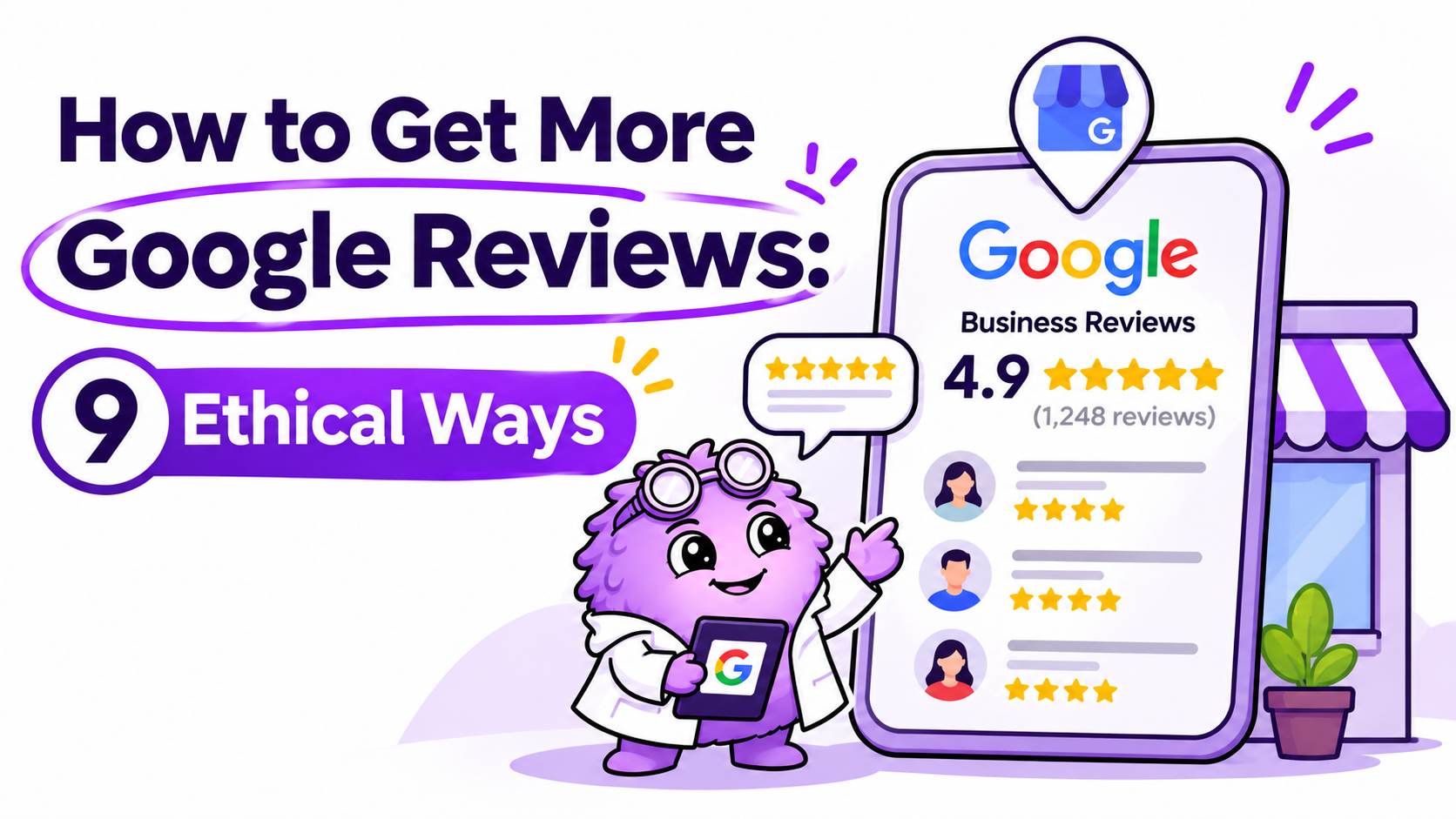
But getting customers to leave reviews can be difficult. Many people are happy with your service but forget to share their experience once the job is finished. The solution is to make requesting feedback a simple, consistent part of your customer journey. If you want to learn how to get more Google reviews, you do not need fake reviews, discounts or complicated software. You need a straightforward process that makes it easy for genuine customers to share honest feedback. Here are nine ethical ways to encourage more Google reviews while protecting your business reputation and supporting your wider local SEO strategy.
Why Google Reviews Matter for Local Businesses
Google reviews help potential customers understand what it is like to work with your business. They can highlight your communication, reliability, service quality and professionalism before someone contacts you.
Reviews can also contribute to local search visibility. Google identifies review quantity and positive ratings as factors that can influence local ranking, alongside relevance, distance and prominence. However, reviews alone cannot guarantee a top position in Google Maps.
For businesses investing in local SEO, genuine customer feedback can support a wider strategy that includes an optimised Google Business Profile, useful service pages and accurate business information.
The objective is not simply to collect more five-star ratings. It is to build a credible reputation that helps potential customers make informed decisions.
9 Ethical Ways to Get More Google Reviews
1. Ask Customers at the Right Time
One of the simplest ways to get more Google reviews is to ask customers shortly after they have experienced your service. For a tradesperson, this might be after completing a repair. For an accountant, it could be after finishing a piece of work. For a commercial cleaning company, it might be after a successful service period or project milestone. Choose a natural point when the customer has enough experience to provide meaningful feedback.
You can ask in person, over the phone or through a follow-up message. Keep the request polite and give customers the freedom to decide whether they want to leave a review.
2. Share Your Direct Google Review Link
Customers are less likely to leave feedback if they have to search for your business, find the correct listing and locate the review button themselves.
A direct review link removes unnecessary steps.
Google allows eligible businesses to create and share a review link through their Google Business Profile. You can include it in your follow-up emails, receipts or customer messages.
To find yours, open your Business Profile, select the option to read reviews and choose the option to get more reviews. You can then copy the link and share it with customers.
Follow Google's official instructions for creating a review link or QR code.
3. Send a Polite Follow-Up Email
A short follow-up email can remind customers to share their experience without putting pressure on them.
For example, after completing a project, thank the customer for choosing your business and provide a direct link to your Google review page.
Keep the email brief and make the request optional. Avoid offering discounts or gifts in exchange for reviews.
For service businesses with regular customer communication, adding this step to an existing follow-up process can make review requests easier to manage consistently.
4. Use WhatsApp or SMS for Review Requests
For businesses that already communicate with customers by WhatsApp or text message, a short review request can be a practical option.
A simple message could read:
"Hi [Name], thank you for choosing us. If you have a moment, we'd appreciate an honest review of your experience. You can share your feedback here: [Google review link]. Thank you for your support."
Personalise the message where appropriate, keep it relevant to the customer's interaction and respect their communication preferences.
Avoid repeatedly messaging customers who do not respond. One polite request, with a reasonable follow-up where appropriate, is generally better than making the customer feel pressured.
5. Create a Google Review QR Code
A QR code lets customers open your review page by scanning it with their phone.
This can be useful for businesses with physical premises or face-to-face customer interactions. For example, a salon might display a QR code at reception, while a tradesperson could include one on a printed aftercare card.
You can generate a QR code using the review-sharing options in your Google Business Profile.
Use it where customers can access it easily, but do not require people to leave a review before they leave your premises or receive a service. The decision must remain voluntary.
6. Make Review Requests Part of Your Customer Process
Review collection is often inconsistent because it depends on someone remembering to ask.
A better approach is to build a simple process around completed customer interactions.
For example:
A trades business can send a request after completing a job.
An accounting firm can request feedback after a suitable project milestone.
A cleaning company can request feedback after a completed contract milestone.
A professional services firm can include a review request in its normal client follow-up process.
Make sure the process invites genuine feedback from customers without screening them based on whether you expect a positive response.
Consistency matters more than sending a large number of requests in a short period.
7. Respond to Existing Google Reviews
Getting more reviews is only one part of managing your online reputation. Responding to the reviews you already have shows potential customers that you pay attention to feedback.
Thank customers where appropriate, acknowledge specific points and remain professional when someone raises a concern.
For a negative review, avoid arguing publicly or sharing private customer information. Where necessary, invite the reviewer to continue the conversation through an appropriate private channel.
Google recommends keeping responses helpful, relevant and professional. You can read its guidance on getting more reviews and replying to customers.
Responding to reviews does not guarantee higher rankings, but it can help demonstrate that your business takes customer experiences seriously.
8. Ask Every Customer for Honest Feedback
It may be tempting to request reviews only from customers who seem particularly happy. However, selectively asking customers who are likely to leave positive reviews is not allowed under Google's review policies.
Instead, use a consistent approach that gives all eligible customers an opportunity to share honest feedback.
Do not ask customers to leave a five-star rating, dictate the wording of their review or remove negative feedback in exchange for a reward.
Google prohibits fake engagement, including incentives offered in exchange for reviews, changes to reviews or removal of negative reviews. Read its policy on prohibited and restricted content before introducing a review-generation process.
Honest feedback is more useful for both potential customers and your business in the long term.
9. Monitor Reviews and Improve Your Customer Experience
Your review process should do more than increase the number displayed on your Google Business Profile. It should also help you understand what customers value and where your service can improve.
Review feedback regularly to identify recurring themes. Customers may mention punctuality, communication, pricing clarity, the quality of work or how quickly issues were resolved.
Use those insights to improve your processes and address recurring problems.
You can also monitor your review count, average rating and the frequency of new reviews over time. These measures help you understand whether your process is working, although the quality of feedback matters just as much as the quantity.
What You Should Never Do to Get More Google Reviews
Shortcuts can damage your reputation and put your Google Business Profile at risk.
Avoid the following practices:
Buying reviews or asking people who have not used your service to write them.
Offering money, discounts, gifts or free services in exchange for reviews.
Asking only customers who are likely to leave positive feedback.
Pressuring customers to leave a review while you watch.
Asking customers to include specific keywords or a predetermined rating.
Creating fake accounts or posting reviews for your own business.
Google may remove reviews that violate its policies and can impose restrictions on Business Profiles in cases involving policy violations.
A consistent process for requesting honest feedback is a safer and more sustainable approach.
How More Google Reviews Fit into Your Local SEO Strategy
Google reviews are one part of local visibility, not a replacement for a complete SEO strategy.
Your business also needs accurate profile information, appropriate business categories, useful website content and clear contact details. Your service pages should explain what you do, who you help and which locations you genuinely serve.
For example, a roofing company targeting Birmingham should have a clear roofing service page, accurate business details and useful information for potential customers. Reviews can reinforce trust, while the website helps explain the company's services.
If you want to improve your visibility beyond reviews alone, explore SEO for construction companies in the UK for further insight into service-led SEO.
Businesses using paid advertising should also make sure their landing pages support the promises made in their adverts. A strong reputation can help potential customers feel more confident, but it does not compensate for an unclear website or poorly targeted campaigns. Learn more about Google Ads and PPC services.
Need Help Improving Your Local Visibility?
Getting more genuine Google reviews is a useful starting point, but local growth usually requires several elements to work together.
Your Google Business Profile, website, service pages, customer feedback and conversion journey should all help potential customers understand why your business is worth contacting.
Avenor helps businesses improve their search visibility and build marketing strategies focused on relevant traffic and enquiries. If your business is struggling to appear in local search results or attract enough leads from its website, you can explore our case studies to learn more about our work.